Fruit merge guide
Merge Meadow: how to drop, merge, and grow the melon
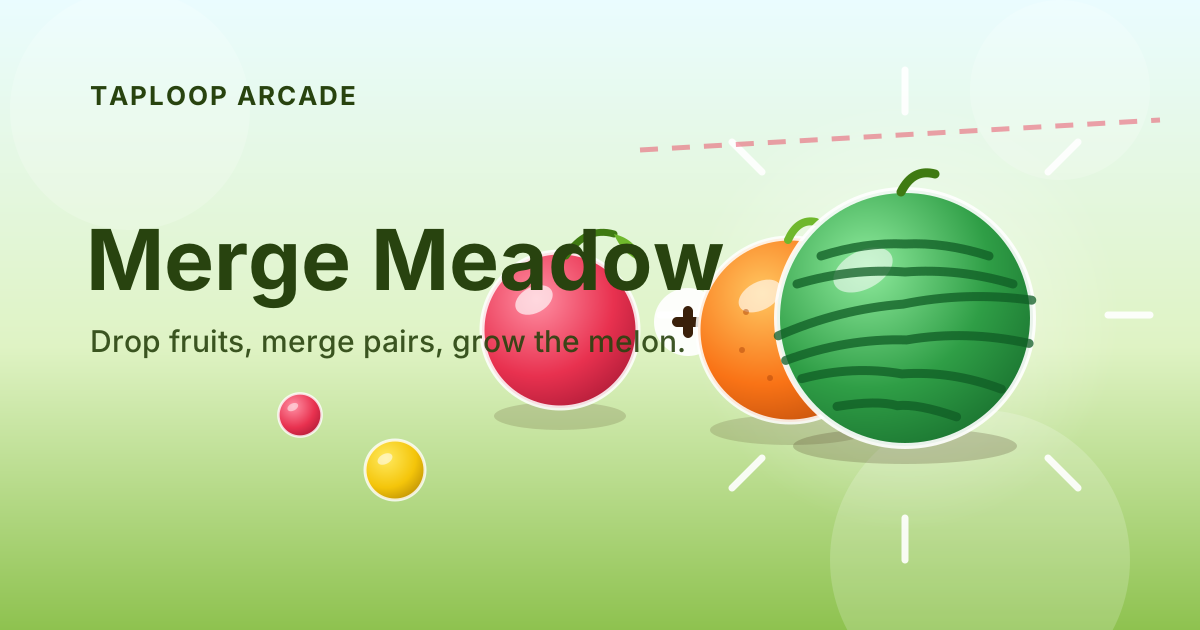
Merge Meadow is a cozy fruit-dropping physics puzzle in the spirit of Suika. Aim, drop a fruit into the meadow, and let gravity do the rest. When two identical fruits touch they fuse into the next bigger fruit — climb the eleven-fruit chain from cherry all the way to the watermelon without letting the pile cross the danger line.
 Play now
On this page (5 sections)
Controls at a glance
| Action | Desktop | Mobile / touch |
|---|---|---|
| Aim the drop | Move mouse / finger, or ← → keys | Drag anywhere on the board |
| Drop the fruit | Click or Space | Tap the board |
| Start a new round | R key or New round button | New round button |
| Pause / review | Game menu (⋯) | Game menu (⋯) |
What is Merge Meadow
The meadow is a tall pit with walls on both sides. One fruit at a time drops from the top wherever you aim it. Fruits fall under real gravity, roll off each other, and stack into a pile. When two fruits of the same kind touch, they fuse into one fruit of the next size up — two cherries make a strawberry, two strawberries make a grape, and so on up to the watermelon.
The fruit chain
- The full chain is cherry → strawberry → grape → orange → lemon → kiwi → apple → pear → peach → pineapple → watermelon.
- Each merge scores the value of the new fruit — later merges are worth far more than early ones.
- A newly dropped fruit cannot merge for a fraction of a second, so it settles before chaining.
- Two watermelons that touch pop entirely for a large bonus instead of forming a bigger fruit.
The danger line and combos
A dashed red line sits near the top of the pit. The round only ends when resting fruits stay parked above it — a fruit that bounces high while falling is harmless. Chain merges build a combo counter: one drop that triggers several merges in a row is worth far more than the same merges spread across turns. On the main site, crossing the line offers an optional revive so you can keep a good run going.
Controls
Move the pointer (or your finger) across the board to aim — the next fruit follows along the top. Click, tap, or press Space to release it. Arrow keys nudge the aim left and right for keyboard players. There is no swipe gesture to learn: aim and drop is the whole language of the game.
| Input | Where it works | Notes |
|---|---|---|
| Mouse move + click | Desktop | Fastest for precise placement |
| Touch drag + tap | Touch devices | One-thumb friendly |
| ← → + Space | Keyboard | Nudges the aim in steps |
A simple opening strategy
- Keep big fruits on the floor. Drop small fruits toward the center so early merges happen low, not on top of the pile.
- Build pairs deliberately. Park one fruit where its twin can land on it, and let gravity close the deal.
- Flatten before you climb. If the pile has a tall spike, merge around it to level the top before it reaches the line.
Who this is for
- Fans of Suika and watermelon-merge games looking for a quick browser version
- Players who enjoy physics toys: stacking, rolling, and planning pile shapes
- Mobile users who prefer one-thumb aim-and-drop controls
Frequently asked questions
Quick answers to the most common questions about Merge Meadow.
How is Merge Meadow different from Suika-style watermelon games?
The core rules are the same cozy loop: drop, merge, grow the chain, mind the line. Merge Meadow adds a combo counter for chained merges, coin and mission progression on the main site, and a tuned physics feel so fruits roll and settle instead of locking into a grid.
What is the biggest fruit I can reach?
The watermelon is the top of the chain. Its pairs pop instead of merging further, so the endgame is about banking watermelon pops while keeping the pile low.
Does the game work with touch controls?
Yes. Drag anywhere on the board to aim and tap to drop — it is fully one-hand friendly on phones, and the board resizes to your screen.
Can I undo a bad drop?
There is no undo — physics is part of the puzzle. If the pile crosses the danger line, start a new round (or revive on the main site) and use what you learned about how the fruits rolled.
Ready to play Merge Meadow?
Open the game in your browser. No download, no sign-up — just tap and play.
Play Merge Meadow now